
Notion starts requiring two-step verification for password login
TL;DR
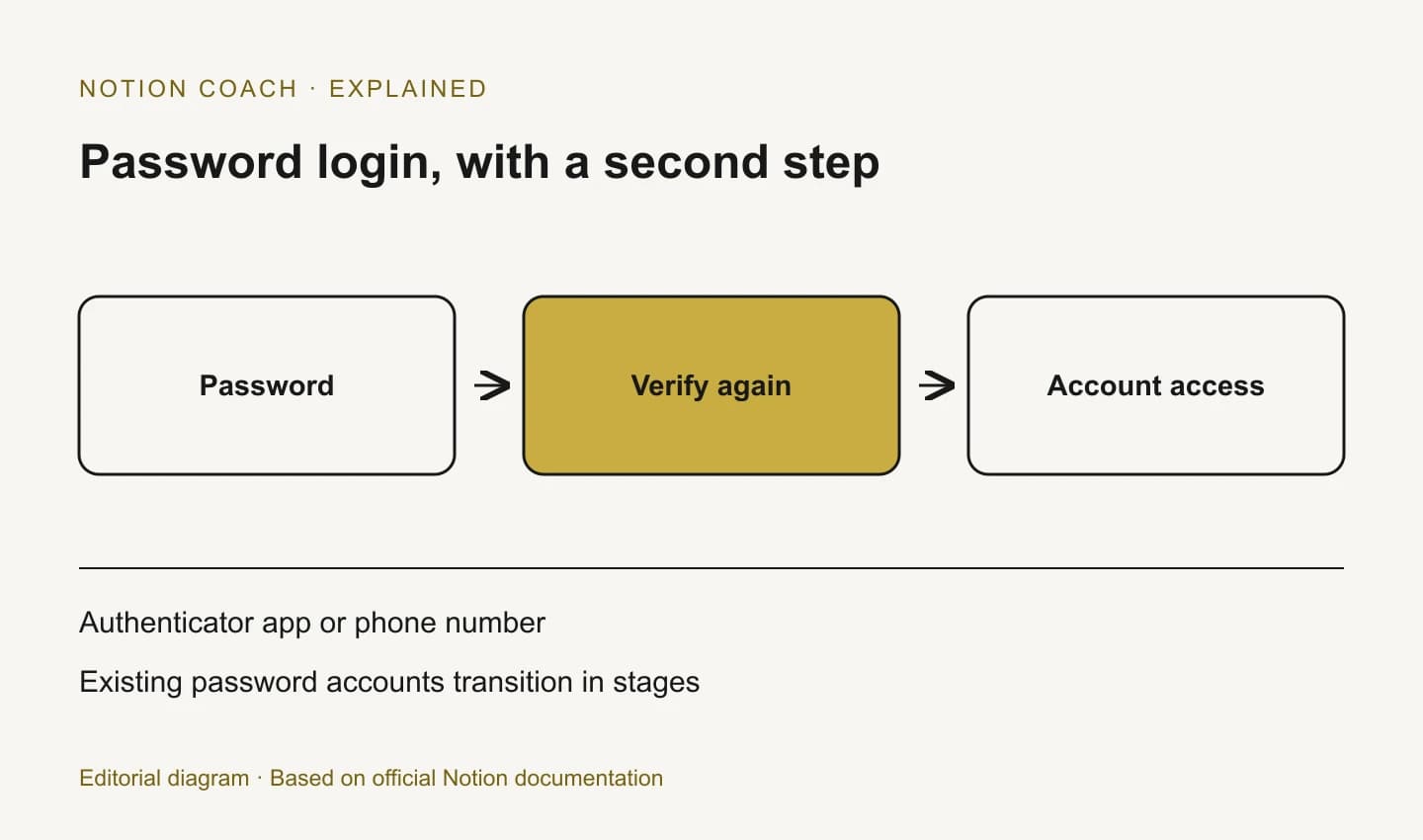
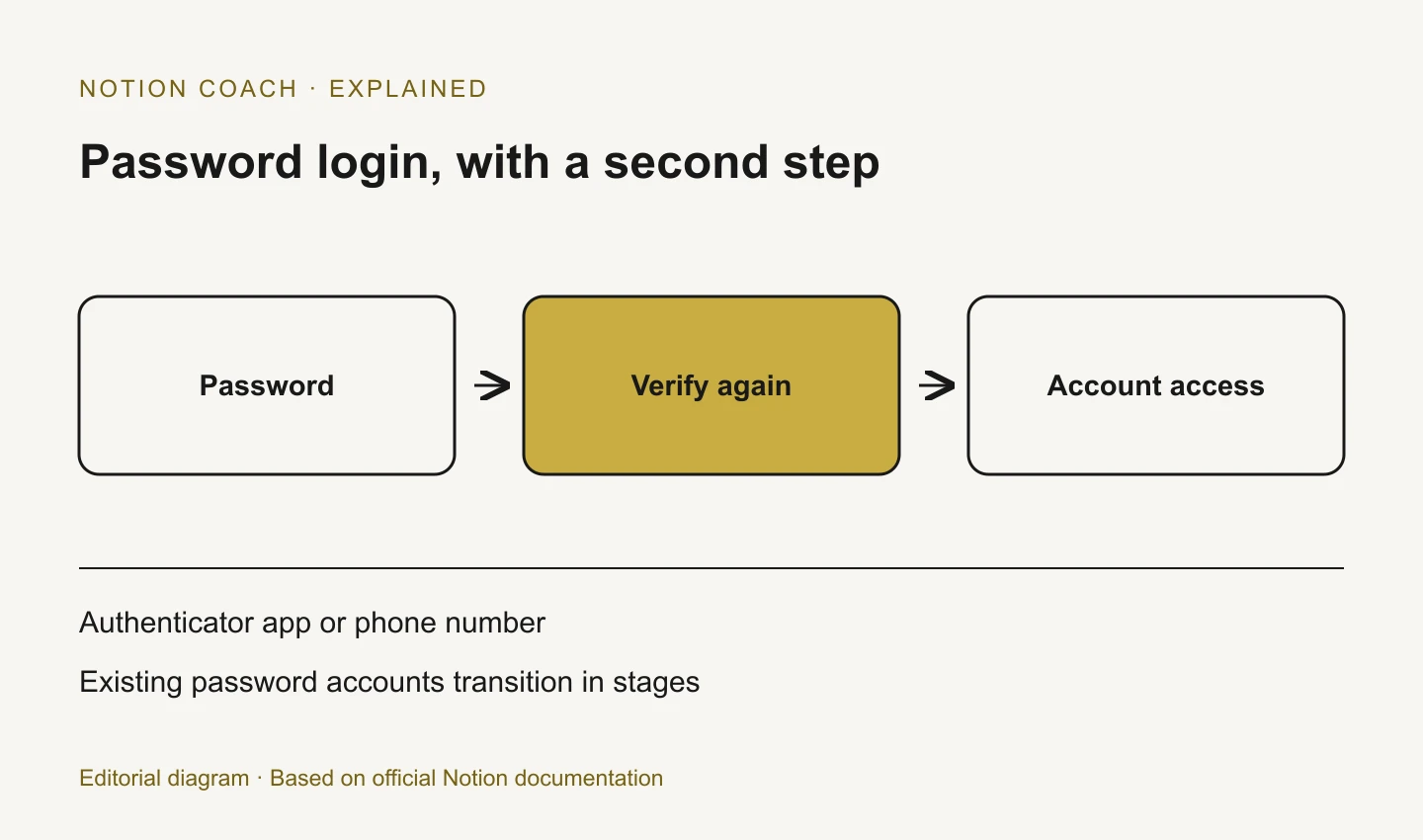
On October 13, 2026, Notion announced a staged change requiring a second verification step for password login. People setting or changing a password are prompted to configure verification; existing password accounts without it will transition in stages.
- Status
- Rolling Out
- Released
- Plans
- Not specified
What changed
Notion is adding a second verification step to password login. Its announcement says people setting or changing a password will be guided through verification using an authenticator app or phone number.
Existing password accounts without two-step verification will receive the change in stages over the following months. The announcement does not give one enforcement date for every account.
Why it matters
Teams should check how people sign in before sending blanket instructions. Someone already using an organization-managed sign-in flow may need different guidance from someone relying on a personal password.
Account authentication and workspace content permissions solve different problems. The same release period also brought database column permissions.
Frequently asked questions
Do I need to change anything if two-step verification is already on?
Notion says people already using a password with two-step verification do not need to take action for this change.
Must I switch from a passkey or SSO to a password?
No. Notion says existing alternative login methods remain available, including passkeys and an organization's SSO where supported.
Is every password account required to use MFA immediately?
No. The October 13 announcement describes a staged rollout. Follow the prompts shown for your account rather than assuming one universal deadline.