
Notion MCP adds suggested edits that people can review before applying
TL;DR
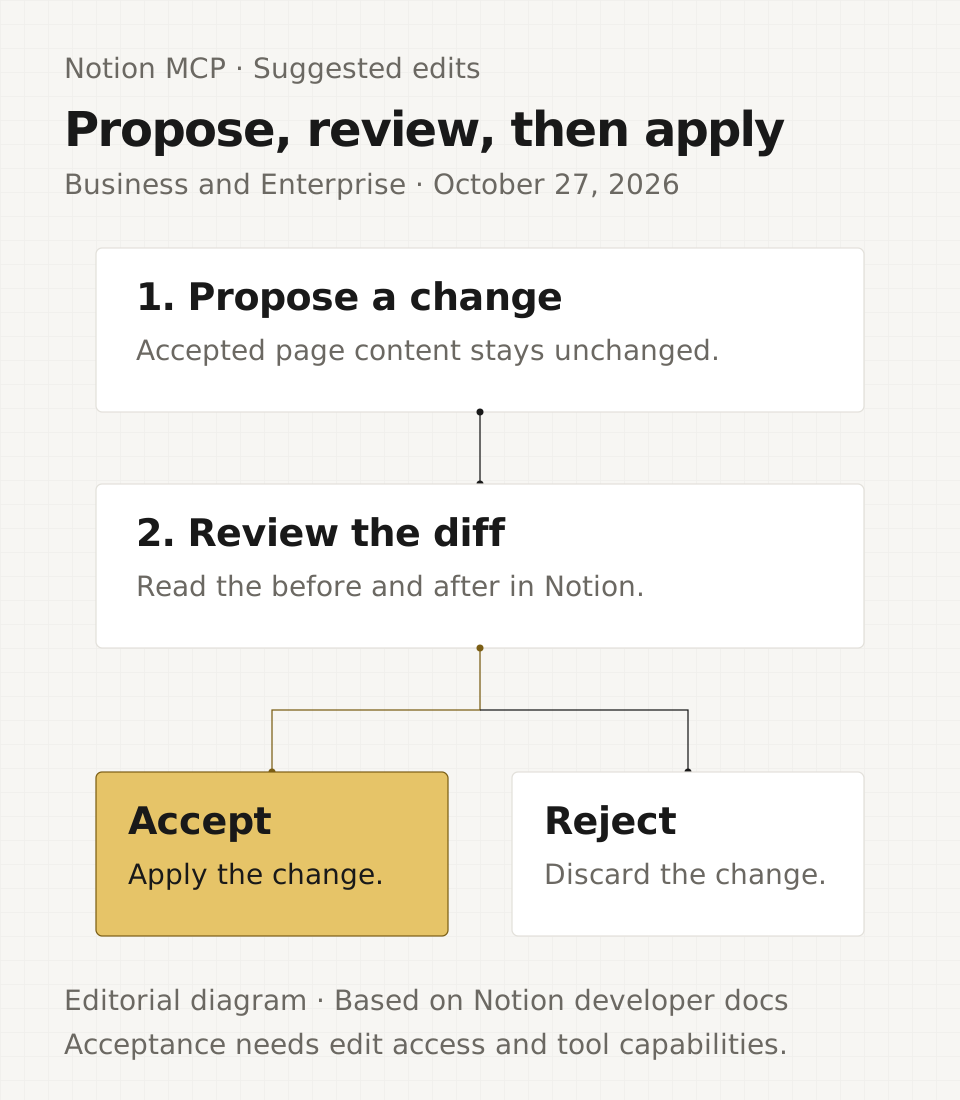
On October 27, 2026 Notion added three MCP tools to create, inspect and resolve suggested edits. An assistant can propose a change without changing the page's accepted content, and a person can review it in Notion. The tools require a Business or Enterprise plan.
- Status
- Live
- Released
- Plans
- Business, Enterprise
What changed
On October 27, Notion added three tools to its MCP server:
notion-create-suggested-editproposes one change to a page. The result includes a suggestion URL and a pending status. Accepted page content stays unchanged.notion-get-suggested-editreturns a pending suggestion's before-and-after Markdown diff and the actions the connected person can take.notion-resolve-suggested-editaccepts or rejects a pending suggestion. Acceptance applies the change; rejection discards it.
notion-get-comments now lists pending suggestions as well. Its suggested_edits_status tells the client whether suggestions were included, require a plan upgrade, or are not enabled for the connection.
The tools require Business or Enterprise. They also need the relevant page permissions and connection capabilities.
Why it matters
A team can have an external assistant propose a correction or rewrite, then inspect the change on the Notion page before applying it. Each suggestion has its own discussion thread, so feedback stays next to the proposed edit.
Creating and accepting are separate operations. The resolve tool can accept changes as well as reject them, so keep acceptance behind an explicit review step in the assistant's instructions. Notion marks the resolve tool as destructive; MCP clients that honor this annotation ask before running it.
This extends the October MCP tool additions. It also builds on the October 26 change that makes notion-fetch return only accepted content, leaving pending suggestions out of fetched page text.
What to set up first
- Fetch the page and copy the exact text you want to change. The
old_textmust match exactly once. - Create the suggestion with
page_id,old_textandnew_text. Replacement is the default; insertion before or after an anchor is also supported. - Review the pending diff and discussion in Notion. Accept or reject it only when the person responsible has made that decision.
Creating a suggestion needs comment access to the page. Accepting needs edit access. A person with comment access can reject their own suggestion; rejecting someone else's needs edit access. Connection capabilities also apply: creation and resolution need insert comments, reading needs read comments, and acceptance additionally needs update content.
Suggestions cannot overlap another pending suggestion. If someone edits the text a suggestion covers, it becomes stale and can no longer be read or accepted. It can still be rejected; create a fresh suggestion against the current text when needed.
Frequently asked questions
Which Notion plans support suggested edits through MCP?
Business and Enterprise support the suggested-edit tools. Other plans return an upgrade prompt. The connected person also needs the relevant page access and connection capabilities.
Does creating a suggested edit immediately change the page?
No. Accepted page content changes only when the suggestion is accepted. Pending suggestions appear in Notion with their own discussion threads and stay out of notion-fetch page text.
Can an assistant accept its own proposed change?
The resolve tool can accept a suggestion when the connected person has the required permissions and capabilities. Review is a workflow step you must enforce; the existence of a suggestion does not itself require a separate human to approve it.
Why does Notion reject a suggested edit as stale?
A suggestion becomes stale when someone edits the text it covers. It cannot then be read or accepted, but it can still be rejected. Fetch the current page text before proposing a replacement.