
Notion MCP memories stay private across connected AI clients
TL;DR
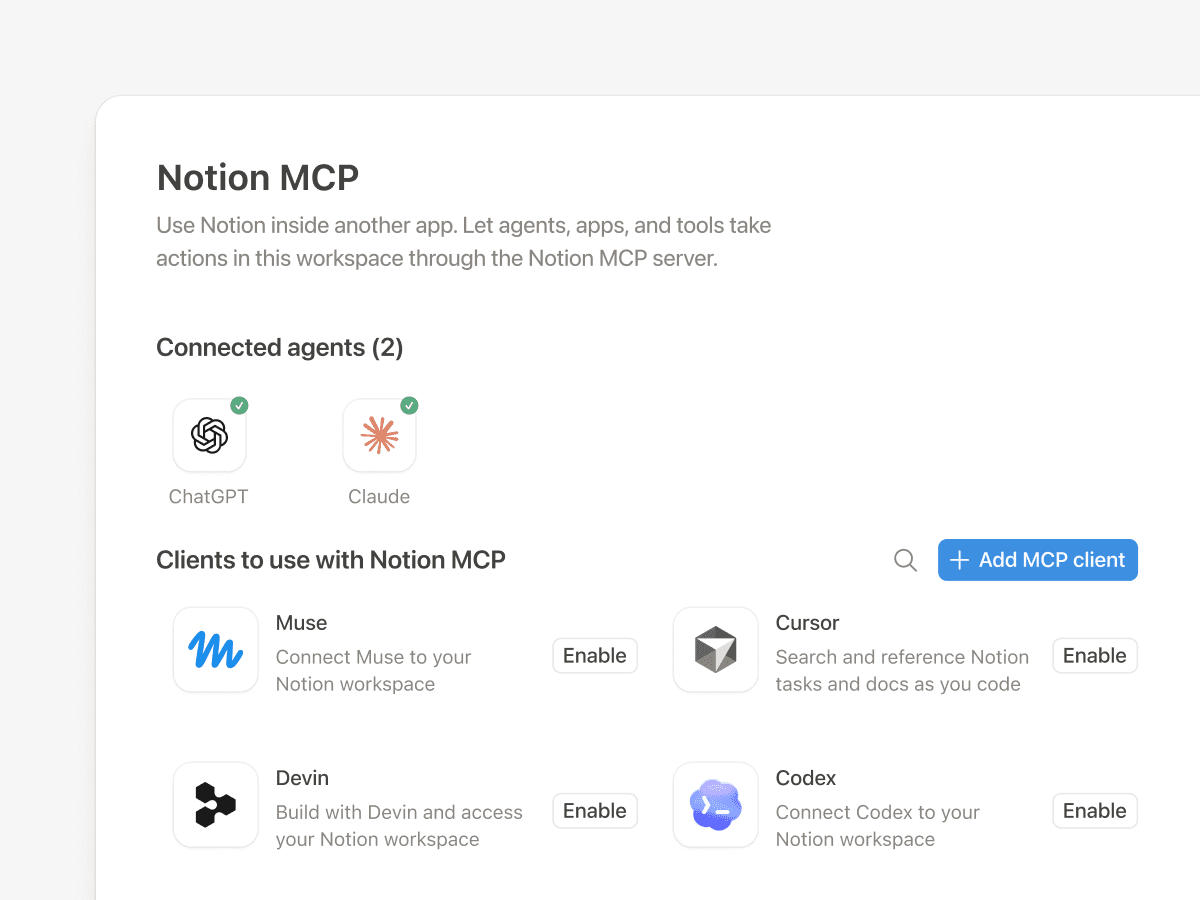
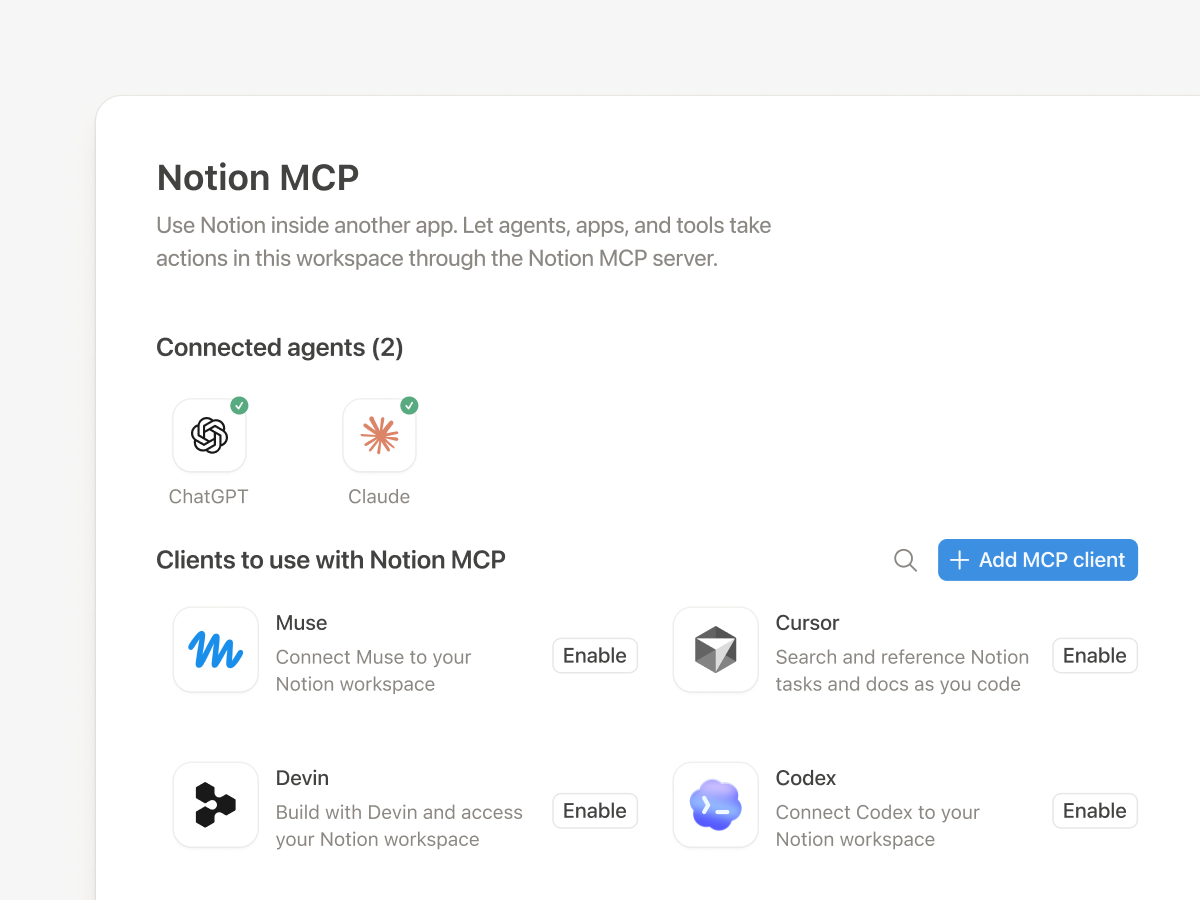
Notion MCP lets AI clients save and recall personal memories across sessions within the same Notion account and workspace. Notion's documentation verified November 5, 2026 says memories are private, work on all plans through user-backed connections with memories enabled, and do not automatically import another client's chat history. Notion's agent setup guide, version 0.0.6 published October 30, 2026, walks through connecting MCP and saving that private context.
- Status
- Live
- Released
- Plans
- Not specified
What changed
The October 19 release said memory sync was live, so external agents could find context and keep useful information in Notion. The personal-memory guide and technical reference now explain the calls and access boundaries.
notion-memory-search searches memories connected agents saved in earlier sessions, such as context, preferences, corrections, and decisions.
- Pass words or a short phrase as
query. The maximum is 500 characters. limitdefaults to 10 and can be at most 50.- Each result has an
id,title,url, andsnippet. - The tool returns the best matches, not every memory.
To list, count, or filter memories, pass the id memory to notion-fetch. That opens the user's About page and memory database. Query that data source with notion-query-data-sources. Read the notion://docs/memory resource once before the first search or save in a conversation.
Why it matters
A personal memory store can help an external agent avoid asking the same person for context again in a later session. Search for relevant saved context, and fetch memory when you need to inspect the destination. Keep team instructions in shared Skills or workspace pages rather than assuming that a person's private memory is visible to colleagues.
That is still not a promise that every MCP client recalls the same memory before every task. Test one fact in the clients your team actually uses. Check what was saved, who can open it, and whether the next session retrieves it.
Personal memory, connection access, and privacy
Notion's current guide says memories are private to the person who saves them. Connected clients can reuse them within the same Notion account and workspace. This is separate from the Skills and Custom Agents your team can share; it is not a team-wide memory database.
Memory through MCP is available on all plans through user-backed connections, with memories enabled for both the person and workspace. Workspace-owned connections cannot use it. If either setting is off, memory search and its guidance are hidden and memory operations are blocked. A client may need to refresh its connection to update the tool list. Listing the database still follows the query tool's plan limits.
The personal Memories database and About page are created when the first memory is saved. Fetching id: "memory" reads the destination without creating it. People can inspect, edit, or remove the saved information in Notion. Connecting MCP does not automatically import a different client's chat history, and memories do not expand access to other workspace content.
The developer changelog now also records personal memories under October 6, 2026. That dated entry is additional documentation for this existing feature, not a new November release.
How to set it up
Notion published an official setup guide for agents, version 0.0.6, on October 30, 2026. Share Set up Notion for your agent with a connected agent. The guide walks through connecting Notion MCP, saving an Agent Operating Guide, and, if you choose the shared-context option, saving memories and Skills. That option saves them to the person's private pages unless they approve a shared space. It does not change the privacy rules above.
On November 4, 2026, @NotionHQ posted a video that says ChatGPT, Claude, Muse, and Bot can save what they learn to the same memory and use the same Skills. That post markets the existing October memory and Skills work. It is not a separate product launch, and the link in the post is the video, not a new product page. The MCP guide still says personal memories stay private to the person who saved them, and that connected clients can reuse them only within the same Notion account and workspace. Shared Skills remain a separate control.
Shared Skills are a separate control
The same technical reference documents two Skill tools for user-authorized OAuth connections:
notion-get-enabled-skillstakes no arguments. It lists Skills the user has enabled for MCP clients, up to 30, each with anid,name, anddescriptionwhen one exists. There is no cursor, so a longer list is truncated.notion-update-enabled-skillsenables or disables Skills by page URL. Pass up to 50 URLs inadd_skill_urlsorremove_skill_urls.surfacescan bemcp,notion_ai, or both, and defaults to both. It changes only the current user's settings.
Workspace search is a different tool. As of October 20, notion-search covers Notion pages and databases, and connected apps go through notion-connector-search.
Frequently asked questions
How do I search Notion agent memories over MCP?
Call notion-memory-search with a query of up to 500 characters. limit defaults to 10 and cannot exceed 50. Results include an id, title, URL, and snippet.
How do I list every Notion memory, not just search hits?
Pass the id memory to notion-fetch to open the user's About page and memory database, then query that data source with notion-query-data-sources. Read notion://docs/memory once before the first search or save.
Does connecting MCP guarantee automatic memory recall?
No. The tools are available on hosted Notion MCP. Each client still has to call them. A connection by itself does not mean every session loads the same memory.
Who can use personal memories through Notion MCP?
People on all plans can use memory via user-backed connections when memories are enabled for both person and workspace. The memories are private and can be reused across clients connected to that same Notion account and workspace. Workspace-owned connections cannot use it, and database query access still follows the query tool's plan limits.
Sources
- Notion MCP: personal memories (verified Nov 5, 2026)
- Notion MCP: memory and Skills technical reference (verified Nov 5, 2026)
- Set up Notion for your agent, version 0.0.6 (Oct 30, 2026)
- NotionHQ on X: shared brain marketing video (Nov 4, 2026)
- Notion developer changelog: personal memories (Oct 6, 2026)
- Notion release notes (Oct 19, 2026)
- Notion blog: Agents, rebuilt to do more for less
- NotionHQ on X: October 24 rundown