
Notion is testing custom blocks for interactive database views
TL;DR
Notion is privately testing custom blocks that can turn a database into an interactive view, such as a drag-and-drop weekly time-box. The markdown API and Notion MCP can already read existing custom blocks with inherited bindings. Creating the block definitions is still in private alpha.
- Status
- Alpha
- Released
- Plans
- Not specified
- Source
- @NotionHQ on X
What changed
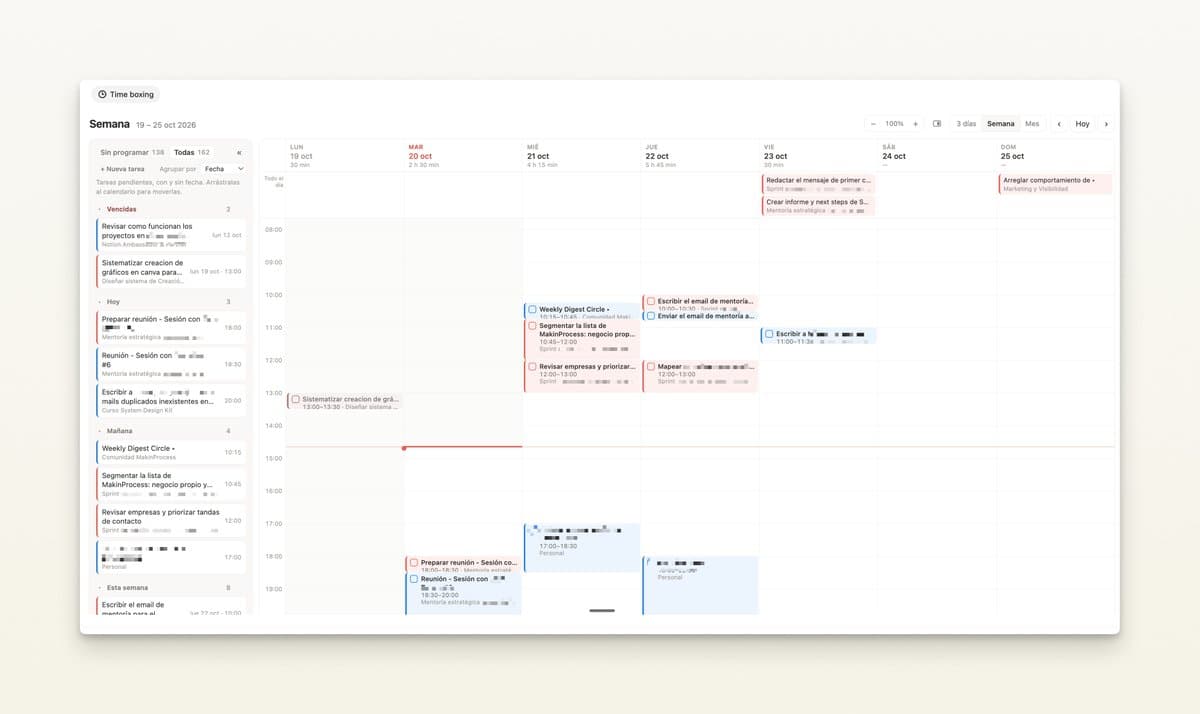
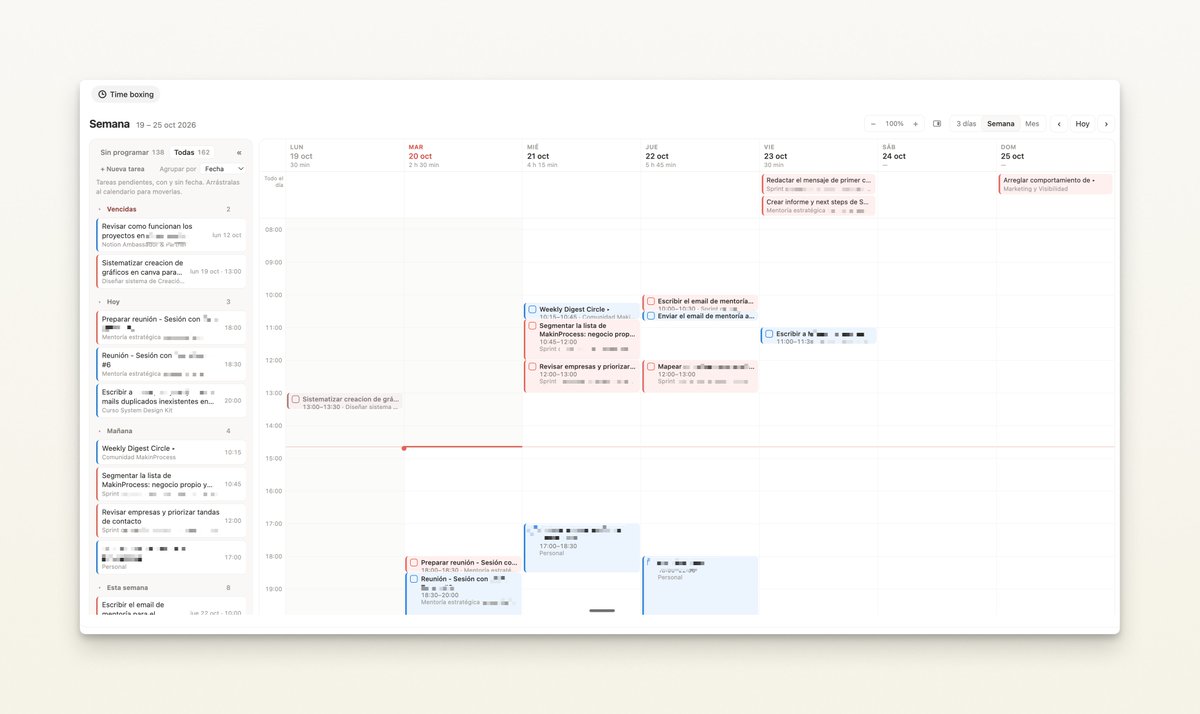
On October 21, 2026 Notion shared a sneak peek of custom blocks: interactive interfaces on top of a Notion database. The example, quoted from @elenayuscula, is a weekly calendar. Tasks live in a database, and someone can drag a block from one day to another instead of editing a date property by hand.
This is a private alpha. You cannot turn that view on from settings.
What is already documented for developers is narrower, and older. On September 30, 2026 the developer changelog said the markdown content API and Notion MCP read custom blocks that inherit their bindings, instead of treating them as unknown blocks. You can place an instance of an existing definition, and you can preserve unchanged instances when you edit a page. Readback returns the definition reference, not the rendered contents. Instances that override bindings still come back as unknown blocks.
Creating those definitions remains in private alpha. New placements need a live definition the integration can read in the destination workspace. They do not need a separate workspace feature flag beyond that.
Why it matters
Notion databases are strong at storing tasks and weak at the one-off interface a team actually wants, like a week view you can drag. Custom blocks are Notion's attempt to let that interface be a block on a page, backed by the same database, rather than a third-party embed that drifts out of date.
Until definition creation leaves private alpha, the practical step for most workspaces is none. Builders already in the alpha can keep definitions in the workspace and let markdown tools place instances. Everyone else should treat the October 21 image as a preview, not a feature to document in an internal rollout.
The markdown behavior matters sooner for agents. A page that contains a custom block no longer has to look like a hole in notion-fetch when the block only inherits its definition's bindings. Edits that leave the instance unchanged can round-trip. Edits that assume the rendered calendar is ordinary Markdown will not.
Frequently asked questions
What are Notion custom blocks?
Custom blocks are a private alpha for interactive views on Notion data. The October 21, 2026 sneak peek shows a weekly time-boxing calendar built on a database, with drag-and-drop between days.
Can I create a custom block in my workspace?
Not from the public product. Notion's developer docs say definition creation is still in private alpha. The markdown API can place an instance of a definition that already exists and is readable in the workspace.
How do custom blocks appear in the Notion API?
As of the September 30, 2026 changelog, custom blocks with inherited bindings are read as a custom-block tag instead of an unknown block. The response includes the definition reference, not the rendered contents. Blocks with binding overrides are still unknown blocks.
Are custom blocks the same as synced blocks or linked database views?
No. Synced blocks repeat content. Linked views show a database in an existing Notion layout. Custom blocks, in the alpha preview, are a purpose-built interface, such as a week grid, on top of database items.