
Notion Agents can now use Google Drive (beta)
TL;DR
On November 3, 2026, Notion shipped a beta Google Drive connection so Notion Agent and Custom Agents can search, read, create, and update Drive files without leaving Notion. The Help Center says the connection checks Drive in real time, does not index files, and is separate from the older Google Drive AI connector used for search.
- Status
- Beta
- Released
- Plans
- Not specified
- Source
- Notion Help Center
What changed
On November 3, 2026, Notion said Notion Agents can use Google Drive. The post says agents can search, read, create, and update Drive files without leaving Notion, from Settings, then Connections, then Google Drive.
The Help Center documents that connection as beta. Notion Agent and Custom Agents can search, read, write, and update files in real time. The connection belongs to the person who sets it up. When an agent uses Drive, it checks that person's Drive at that moment. Notion says nothing from this connection is saved or indexed. The agent can open files that person owns, files shared with them, and Shared Drives they can access.
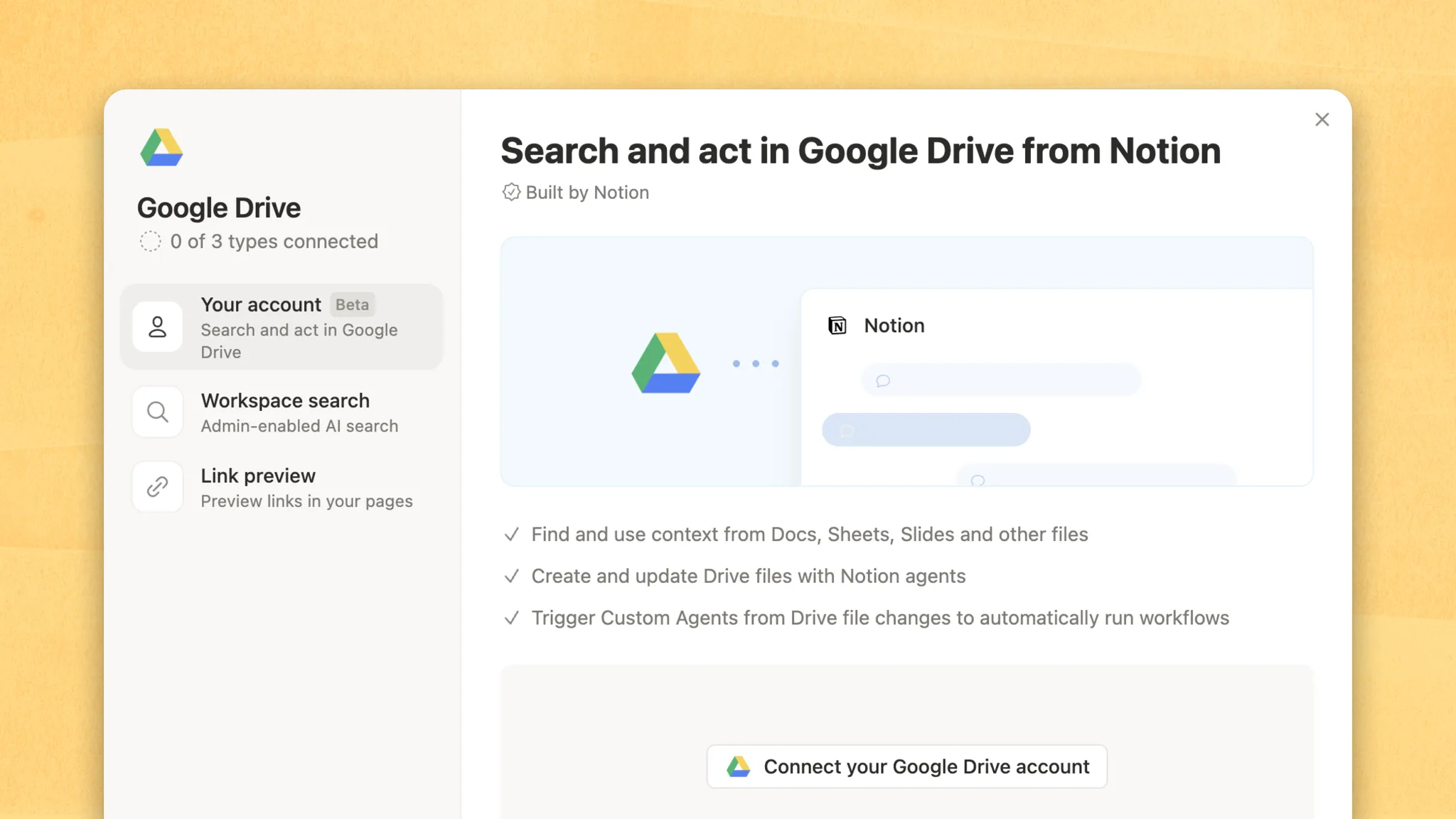
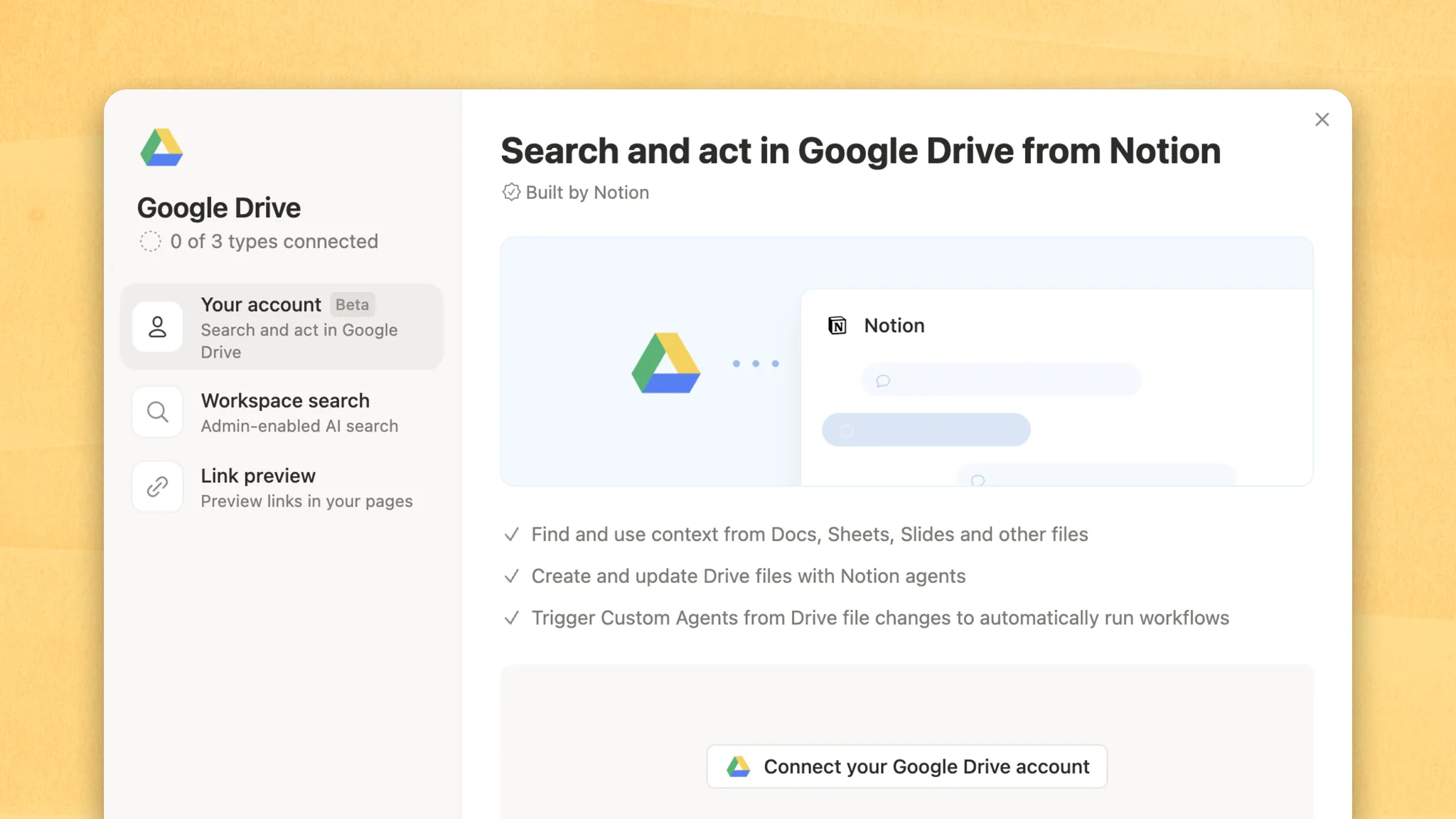
Notion's November 3 image shows three Google Drive connection types on one screen: Your account (marked Beta, "Search and act in Google Drive"), Workspace search ("Admin-enabled AI search"), and Link preview. The same image says the account connection can find context in Docs, Sheets, Slides, and other files, create and update Drive files, and trigger Custom Agents from Drive file changes.
You need to be a workspace member, not a guest, and Notion AI has to be turned on. The Help page does not name a plan. A Google Workspace owner may need to approve the app Custom Agents For Drive before someone can connect. When a workspace owner connects, Google Drive is approved for the workspace automatically.
How this differs from the Google Drive AI connector
This is not the older Notion AI connector for Google Drive. That connector lets Notion AI search Drive, and it is already described in Notion agents and 150+ MCP connections. The Help Center says the two are different: the AI connector is for Notion AI search, and this connection lets Notion Agent or a Custom Agent read files and create or update Google Docs.
The new connection also does not build a search index. It reads Drive in real time through the connected Google account. The November 3 image places the two side by side under Google Drive: Your account for search and act, and Workspace search for admin-enabled AI search.
A third path is unchanged. External assistants can still search connected Google Drive files through Notion MCP's notion-connector-search tool, covered in Notion MCP splits search.
Why it matters
Someone who keeps specs in Google Docs and the working record in Notion can ask an agent to read a Doc, or to create a Doc, Sheet, Slides deck, or folder, without exporting by hand. What the agent can see is the connected Google account's access, not a workspace-wide copy of Drive. If that account loses a file, the agent loses it too.
On a shared Custom Agent, anyone who can use the agent can search the Drive it is connected to. Limit a Custom Agent to the shared drives or folders it needs. Notion Agent itself always uses the connected account's full access level, even if you first chose Limited access.
A Custom Agent can watch a folder or a shared drive and run when files there change. Only files directly inside that folder count. Changes in subfolders do not trigger the agent, and Notion says you cannot watch your entire My Drive. The connection also only works with files in your Google Workspace. A Custom Agent cannot open a file that was shared from a different Google Workspace.
What to set up first
- Confirm you are a workspace member and Notion AI is on. Guests cannot use this connection.
- Open Settings, then Connections, then Google Drive, then Your account. Choose Limited access or Full access, then sign in with Google and allow every Drive permission Google shows. If a box is left unchecked, Notion says the agents will not be able to run.
- Limited access can read files the user can read, and can edit only files the agent created or the user selected. Full access matches the user's own read and edit rights. The choice applies to all of your agents. Notion Agent always runs at full access. To narrow a Custom Agent, pick folders or shared drives in its Tools and access settings.
- If Google says an admin must review Custom Agents For Drive, the connection waits on that approval. Mention Google Drive in a Custom Agent's instructions, or in a Notion Agent prompt, when you want it to search or update Drive files.
Frequently asked questions
Is Google Drive for Notion Agents the same as the Notion AI connector?
No. Notion's Help Center says the Notion AI Google Drive connector is for Notion AI search. This beta connection lets Notion Agent or a Custom Agent read files and create or update Google Docs, in real time, without indexing them. The search connector is covered in 150+ MCP connections.
Which Notion plans include the Google Drive connection for agents?
Notion has not said. The Help page requires a workspace member, not a guest, and Notion AI turned on for the workspace. It does not name Business, Enterprise, or any other plan.
Can a Notion agent create and edit Google Drive files?
Yes. Notion's November 3 post says agents can search, read, create, and update Drive files. The Help page says an agent can create docs, spreadsheets, presentations, and folders, and can edit Google Docs, Sheets, and Slides when the access level allows it. For other files, such as PDFs or Word documents, it can save an updated copy as a new file. It can read those uploaded files up to 10 MB, and it cannot read Google Drawings, Forms, images, video, audio, or zip files.
Can a Custom Agent run when a Google Drive file changes?
Yes. You can point a Custom Agent at a folder or shared drive and choose how often it looks. If a file directly in that folder changes, the agent can run. Subfolder changes do not trigger it, and you cannot watch all of My Drive.