
Google brings Gemini Live to Apple CarPlay
TL;DR
On November 11, 2026 Google started rolling out the Gemini app on Apple CarPlay to Gemini users on iOS, in every supported Gemini Live language. Gemini Live can pick up a recent chat or start a new one from the car display, including Gmail and Google Calendar. Those chats sync back to the Gemini app on the iPhone.
- Status
- Rolling Out
- Released
- Plans
- Gemini app on iOS
What changed
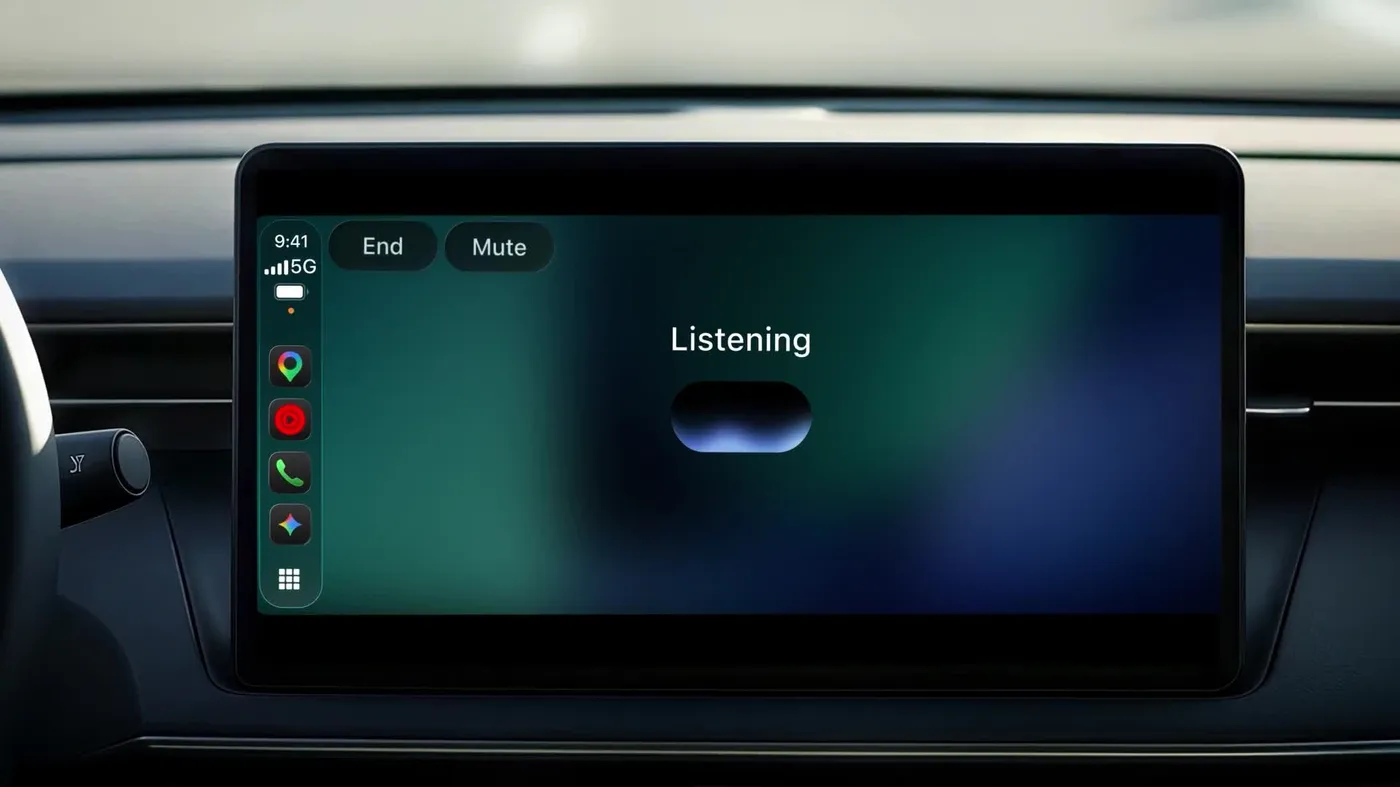
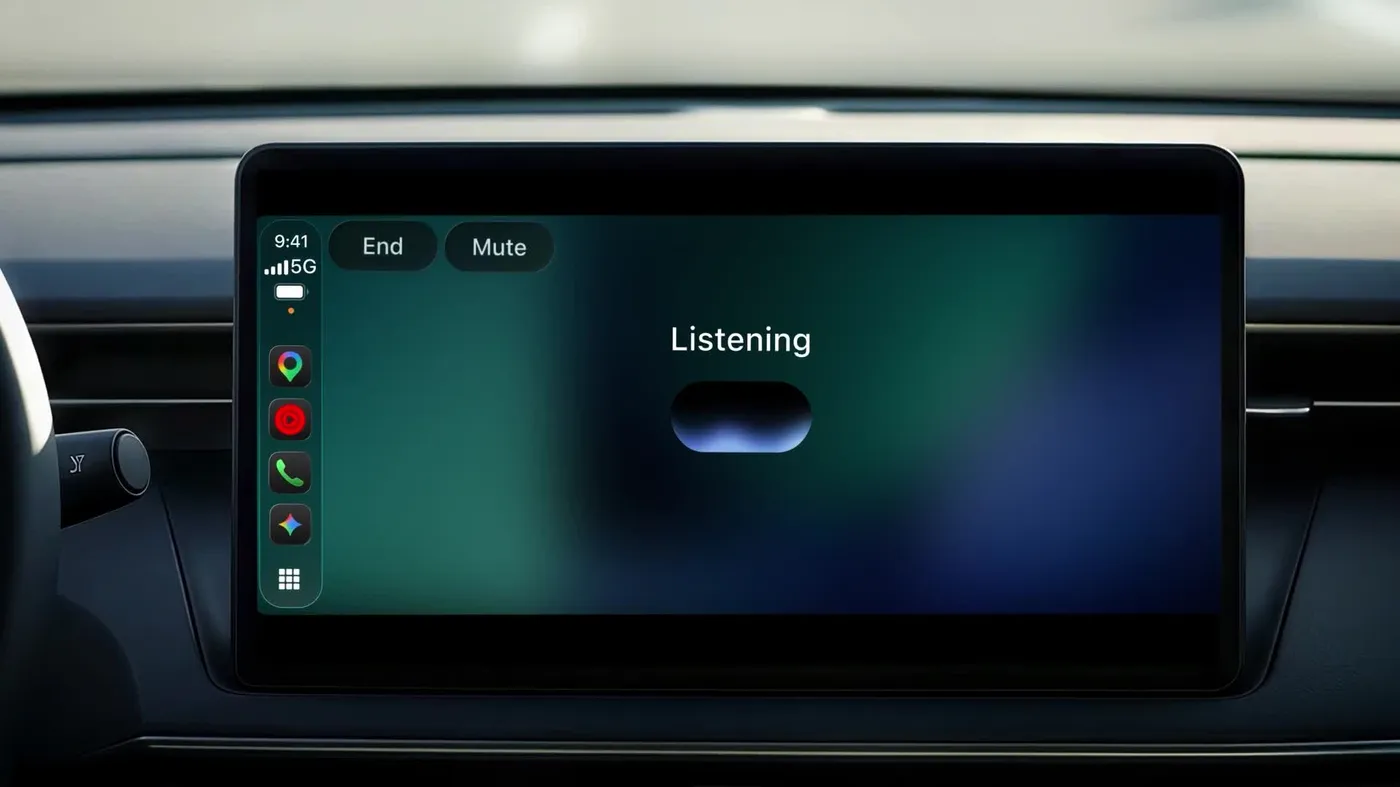
Google's November 11, 2026 post says the Gemini app is coming to Apple CarPlay, after earlier rollouts on Android Auto and in cars with Google built-in. Gemini Live runs on the car display. You tap the Gemini icon on the CarPlay screen or side rail, then continue a recent chat or start a new one. You can interrupt, change the subject, or pause.
Google says Gemini connects with Google Workspace apps such as Gmail and Google Calendar. From the car you can ask what is on your calendar, catch up on unread email, hear a summary of a long thread, and talk through a reply. Daily Brief has to be turned on first. Google says certain personalization features, including Daily Brief, are not available to people under 18 or in the European Economic Area and Nigeria.
The same post says you can ask for local recommendations, and use the drive to practice a presentation or talk through a topic. CarPlay conversations sync to the Gemini app on the iPhone, so the chat is there after you park.
Rollout is global, starting November 11, 2026, for Gemini users on iOS in every language Gemini Live already supports. Google does not list those languages in this post. To use it, update the Gemini app on the iPhone, allow the microphone, and use Gemini Live on the phone at least once. Then connect the phone to the car and tap the Gemini icon.
The same day, Google released the Gemini Decisions API for developers. CarPlay is the consumer app.
Why it matters
The chat stays in the Gemini app on the phone. Google does not say CarPlay writes a page into Notion. If the team keeps decisions in Notion, someone still moves the note across after the drive. What the post does promise is that the car conversation is the same chat history, not a separate session that disappears when you turn the car off.
Daily Brief and the Gmail and Calendar examples depend on those Google apps being connected, and Daily Brief has the age and region limits above. A workspace in the European Economic Area should not plan on Daily Brief in the car.
Frequently asked questions
Who can use Gemini on Apple CarPlay?
Google says it is rolling out to Gemini users on iOS, in every language Gemini Live supports. Update the Gemini app, allow the microphone, and use Gemini Live on the phone once before you expect the icon in the car.
Do CarPlay chats stay after you park?
Yes. Google says the conversations sync to the Gemini app on the iPhone.
Can Gemini on CarPlay read email and calendar?
Google says Gemini connects with Google Workspace apps such as Gmail and Google Calendar, so you can ask for a daily brief, unread email, a summary of a thread, or a reply. Daily Brief must be enabled first, and Google says that feature is not available to people under 18 or in the European Economic Area and Nigeria.
Does this file the conversation into Notion?
Google does not say that. The chat syncs to the Gemini app on the iPhone. Putting it in Notion is a separate step.